



Description
Introduction
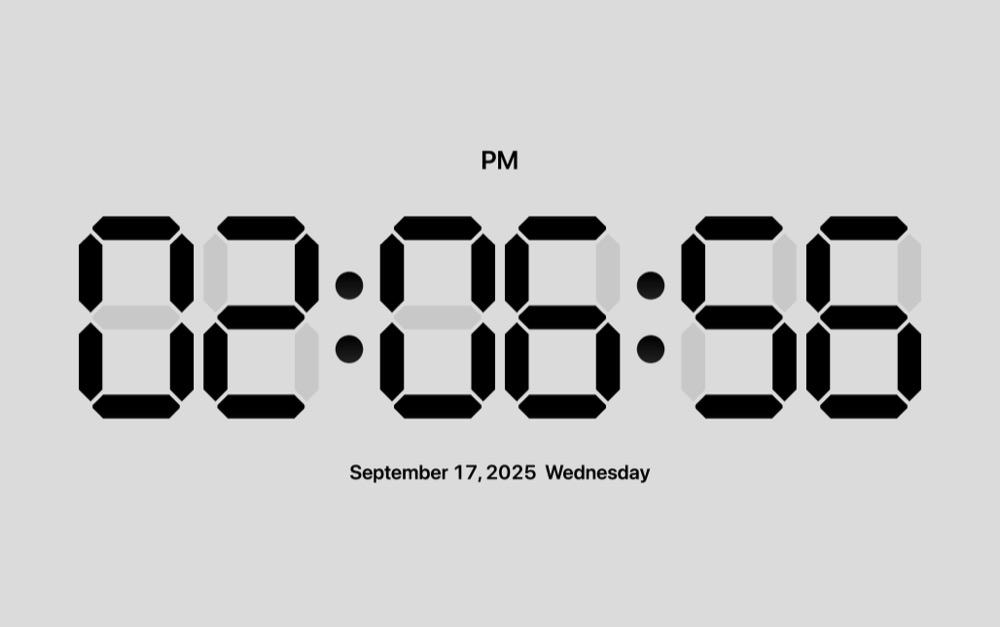
Minoworks Screen Saver is a screensaver that displays a digital clock and expresses the time in words.
License Purchase Procedure
- Sign up as a member.
- Purchase the license for the product.
- File Download
After purchase, go to [My Account > Downloads] to find the link to download the latest version of the Minoworks Screen Saver. - Installation
Download the file using the provided link and install the screensaver.

- Request License Key
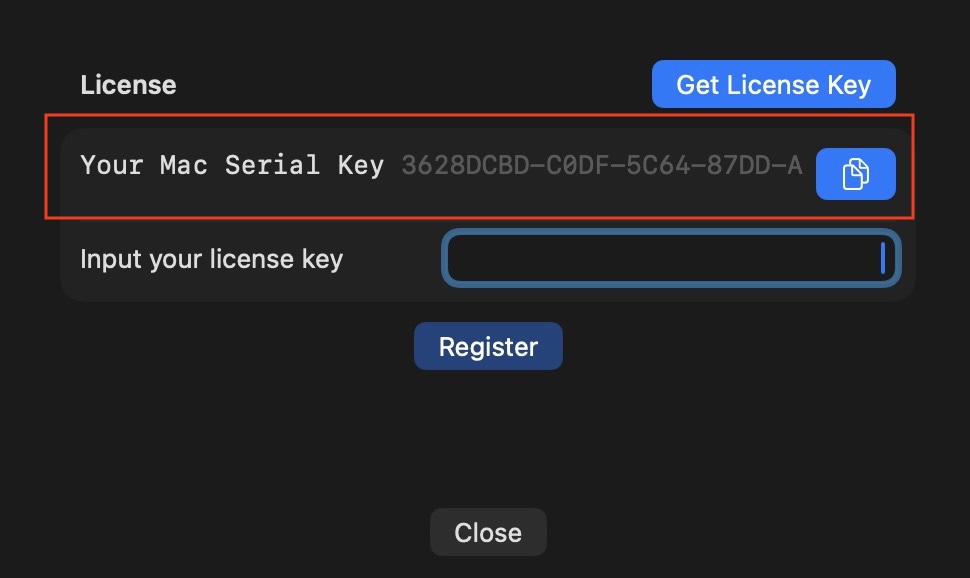
Run the screensaver and click the [Options] button. Your Mac’s serial number will be displayed. Copy it and submit it on the board to request a license key.

- License Key Issuance
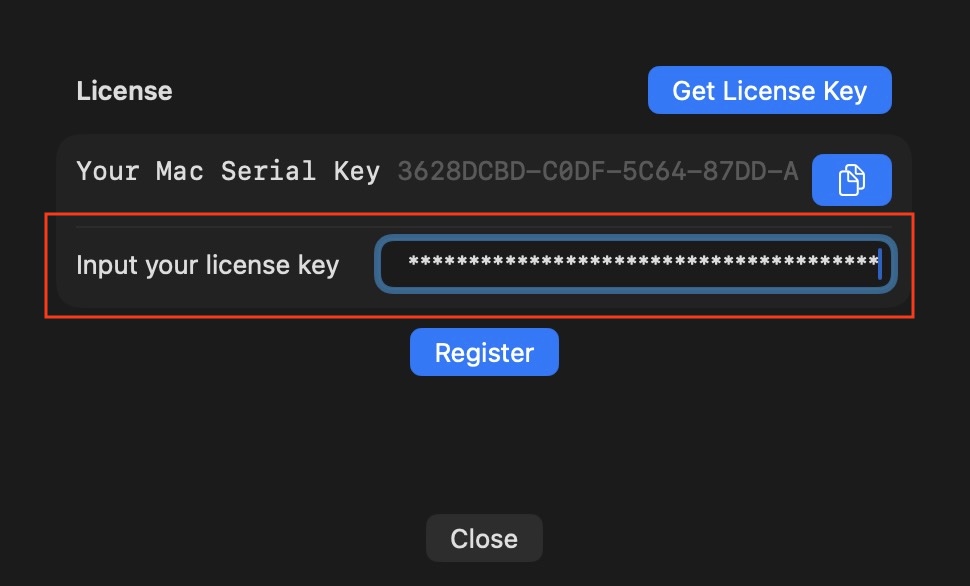
Once requested, the license key will be issued within 24 hours. Enter the license key.

- License Key Activation
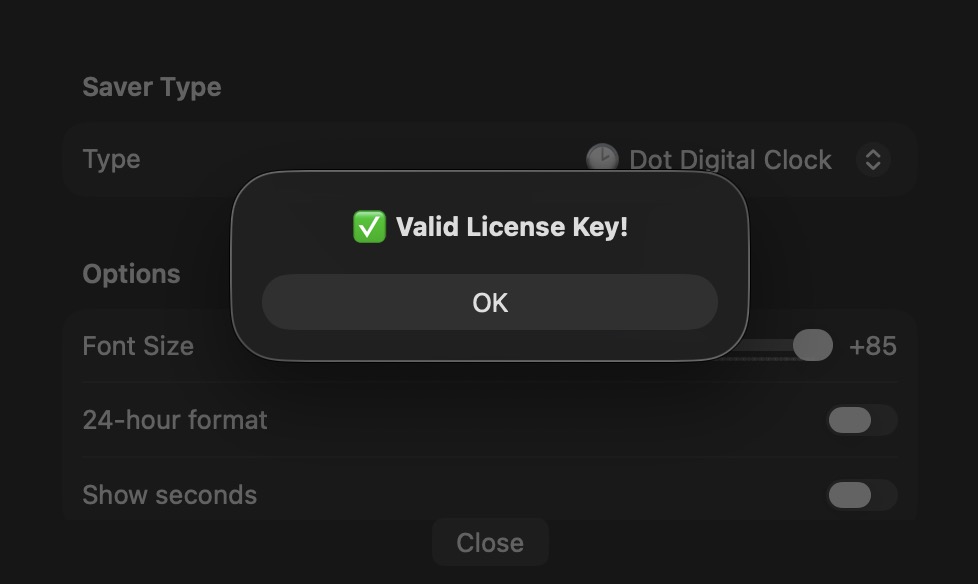
Enter the issued license key and click the Register button. The activation process is complete, and the screensaver can now be used on that Mac.

- Completion
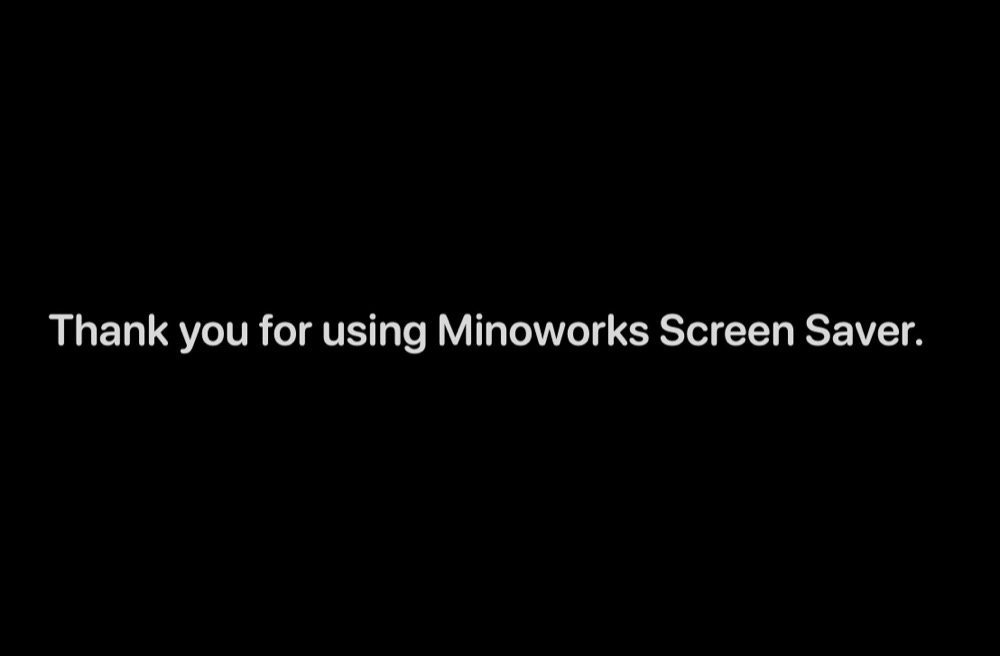
Once activated, the on-screen captions will disappear, and the options menu will switch to the screensaver options.
FAQ
- The issued license key works only on the Mac with the serial number you submitted.
- If you want to use it on multiple Macs, please purchase a license for each Mac.
Reviews
There are no reviews yet.